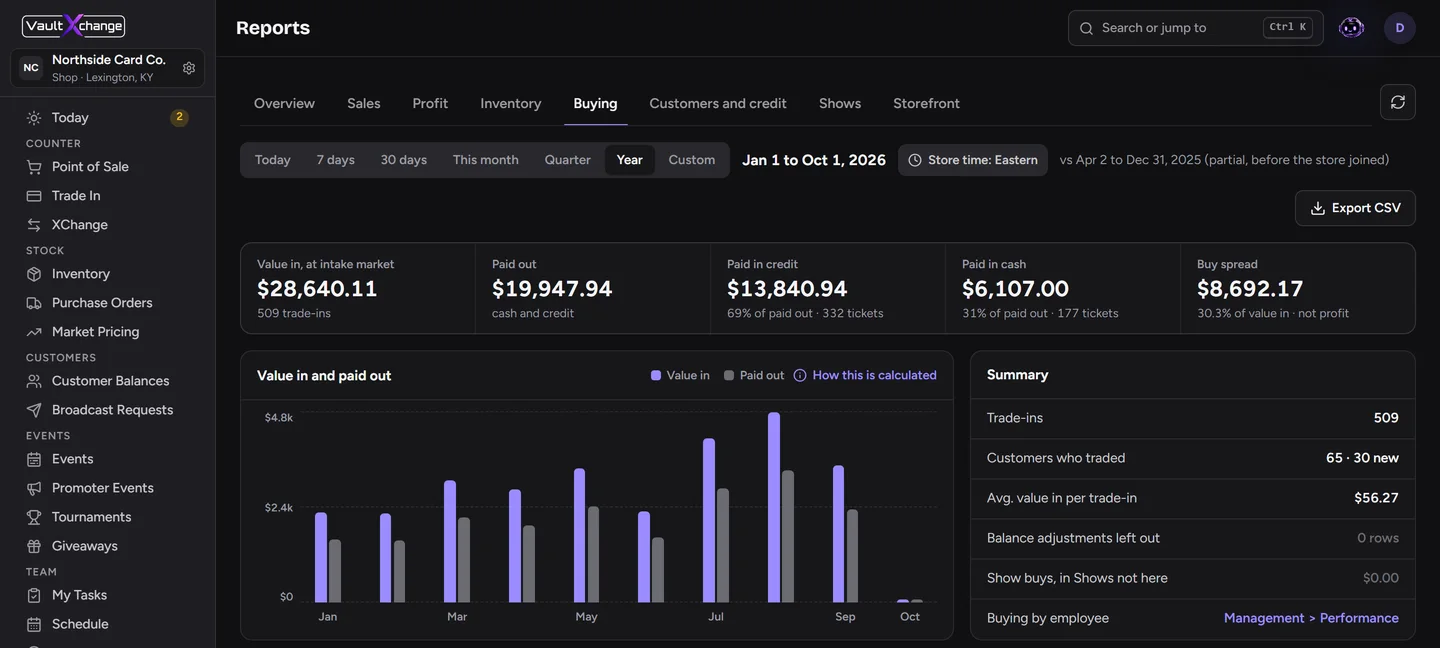

Selling cards to a local shop is fast and safe. There's no shipping, no buyer who goes silent and no waiting for a payout. The tradeoff is that you need to know what your cards are worth and which shop will treat you fairly.
Here's how to do it well, with or without an app.
1. Know what you have
Before you sell, sort your cards and get a rough value for each. The things that move a price the most:
- The exact printing. Set, number and finish (holo, reverse holo, special art). Two cards with the same name can be worth very different amounts.
- Condition. Near Mint is worth noticeably more than Lightly Played. Look at corners, edges, the surface and centering under good light.
- Graded or raw. A graded slab is priced on its grade. A raw card is priced on what the shop thinks it would grade or how it plays.
In the free VaultXchange app, you can scan cards with your camera to add them to your collection and see live market prices for 50+ card games.
2. Decide between credit and cash
Most shops pay more in store credit than in cash. If you'll spend it there soon, credit usually wins. If not, take cash. We go deeper on this in Store credit or cash.
3. Get quotes before you drive over
The usual way is to bring your cards in and wait while someone goes through them. That works, but you don't know the offer until you're standing at the counter.
With Sell Your Cards in VaultXchange, you start from your phone:
- Pick the cards you want to sell from your collection.
- Choose store credit or cash.
- See estimated offers from shops where you already have an account, side by side, with the best quote first.
- Choose a shop and send your submission.
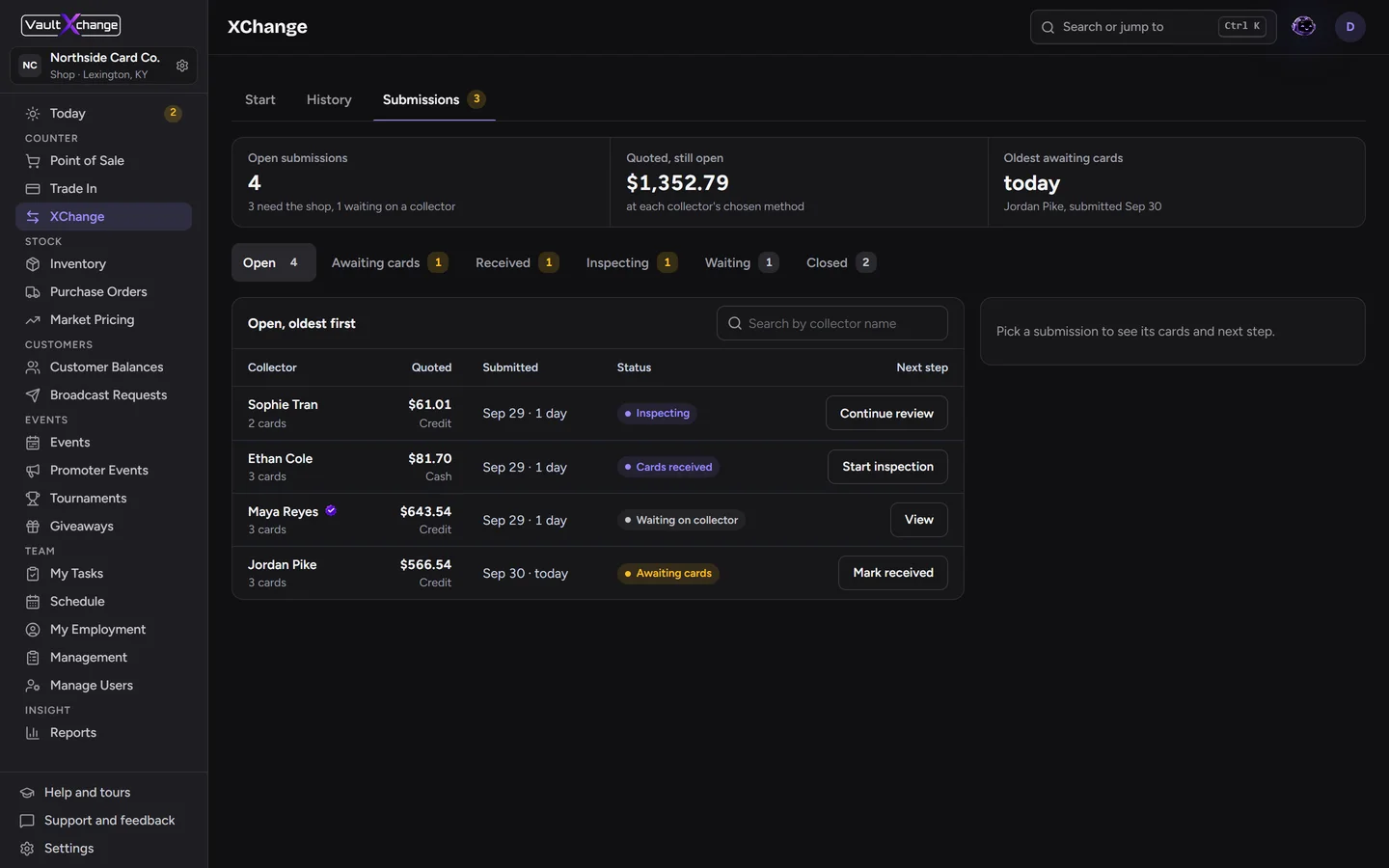
The shop sees your submission come in. Nothing is final until they've seen the cards.
4. Bring the cards in
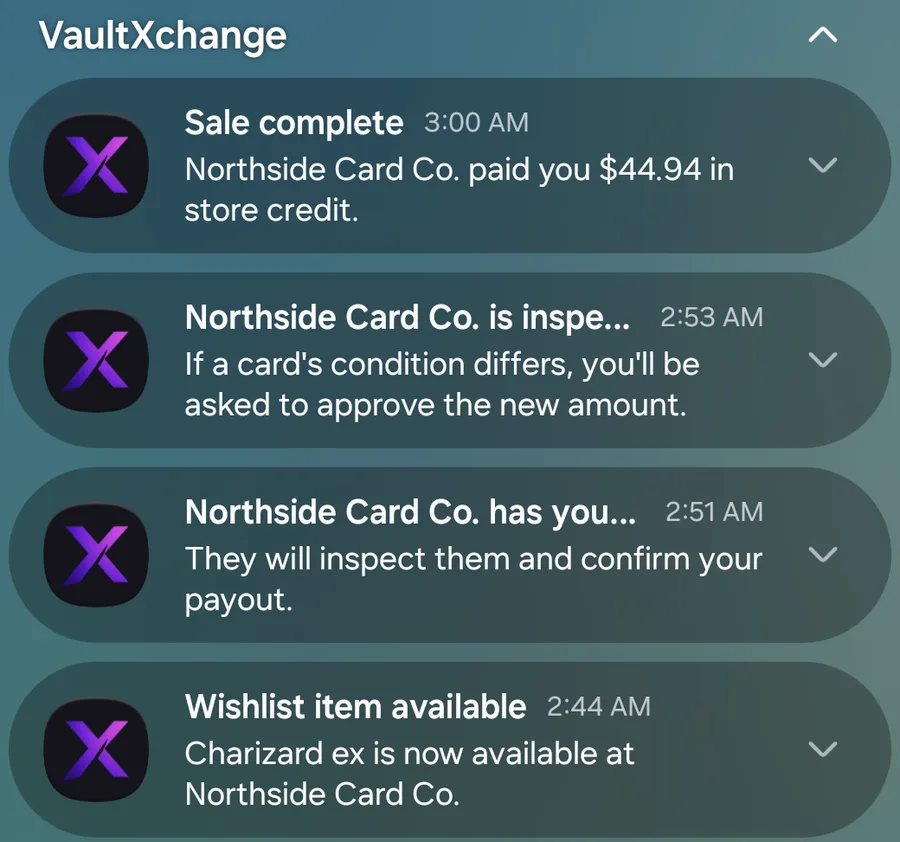
Take the cards to the shop. They'll mark your submission as received, and you'll get a notification in the app when they have your cards and when they start inspecting.
Keep cards sleeved, and bring them in the same order as your list. It makes inspection faster for everyone.
5. Inspection, and what happens if the offer changes
The shop checks every card in person: condition, printing and authenticity. If everything matches, they confirm the offer.
If a card's condition is different from what was listed, the shop updates the offer. You get a notification, see the original amount next to the new one, and choose to accept or decline in the app. Nothing changes without your approval.
6. Get paid
Once you accept, the shop pays you in the method you chose. Store credit lands on your balance for that shop, and you can see it in the app right away. Cash is paid at the counter.
Who can sell to which shop
Sell Your Cards shows offers only from shops where you're already a customer, meaning you've traded in or bought there before. A shop links to you automatically the first time you do business with them using the same phone number or email you use in the app.
Following a shop is different. It lets you see their events and announcements, but it doesn't let you sell to them. This keeps selling between shops and the customers they already know.
Tips for a smooth sale
- Be honest about condition. It speeds up inspection and keeps your offer from changing.
- Sell in batches. Shops can move faster on a stack of 20 than on 20 separate visits.
- Ask about bulk. Many shops buy common and uncommon cards by count rather than one at a time.
- Check what the shop needs. Some shops pay more for cards they're short on.
Get the free VaultXchange app to start a sale from your collection.